bd399 App: The Android APK, the Install, the Login
The bd399 app puts the whole lobby on your phone: slots, live dealer tables, crash rounds and cricket markets, opened with the username you already use on the website. The file is 28 MB, runs on Android 6.0 and newer, and costs nothing to download.
No store listing, no QR code and no redirect page: the button above sends bd399.apk straight to your phone. 18+ · Play Responsibly.
Lobby, cashier and markets in one screen
One tap to the lobby: what the bd399 app keeps ready
The app is not a wrapper around a browser tab. It stores the parts of the lobby you use most, so a weak connection slows the game down instead of ending the session.
-
Same account, same balance
Sign in with the username you already use on bd399.one. Deposits, bonus progress and KYC status carry over, so nothing is registered twice.
-
Built for a 3G afternoon
Game tiles and your last screen are cached on the phone. The lobby opens while a browser tab would still be loading its images.
-
The cricket board keeps moving
In-play prices refresh in the background, so a wicket or a late goal does not need a page reload before you react to it.
-
Back where you stopped
Close the app mid-session and it returns you to that same game, not to an empty home screen. Session stays until you log out.
Free · 28 MB · Android 6.0 or newer
Five steps between this page and your first spin
Android hides installs from outside the Play Store by default, which is why the second step matters more than the download itself. Read it once and the rest takes about two minutes.
-
Check the phone first
Open Settings, then About phone, and confirm Android 6.0 or newer. Free a little space beyond the 28 MB file, because the installer needs room to unpack. A full storage bar is the most common reason a download stalls at the last percent.
-
Allow installs from this source
Go to Settings, Apps, Special access, Install unknown apps, and pick the browser you will download with. Switch the toggle on. Android blocks this by default, so leaving it off means the APK arrives but refuses to open.
-
Download bd399.apk
Tap the download button on this page and let the whole file arrive. Do not switch between Wi-Fi and mobile data halfway. When it finishes, the browser offers Open or Install, and the file also waits in your Downloads folder.
-
Install, then open
Tap the downloaded file, read the short permission list, and confirm Install. Android may ask you once more which source allowed it. When the bar completes, tap Open and the bd399 sign-in screen appears with the username field ready.
-
Sign in or register first
Use your existing bd399 username and password. New here? Create the account on the website, then come back to the app. Deposits start at ৳350 and usually land in about a minute through bKash or Nagad.
On iPhone and iPad: add bd399 to the home screen
There is no iOS APK. Safari can pin the mobile site to your home screen, which behaves like a small app: full screen, saved login, no address bar.
Open Safari and go to bd399.one. The shortcut only works from Safari, not from Chrome on iOS.
Tap the Share button in the bottom toolbar.
Scroll the list and choose Add to Home Screen, then shorten the name to bd399 if you like.
Tap Add. The icon opens the mobile lobby directly, and it updates itself with no reinstall.
Keeping the same login across phone and laptop? Password trouble is handled on the bd399 login page, where the reset link is sent to your registered number.
Download the bd399 app for Android
One file, one size, one place. The APK on this page is served from bd399.one over HTTPS and matches the build our support team uses when you ask them to check an install. Open this page on the phone itself, or copy the link across, and tap the button below.
| File name | bd399.apk |
|---|---|
| Version | 3.8.14 |
| File size | 28 MB |
| Minimum Android | 6.0 |
| Last updated | 11 November 2026 |
| Price | Free |
| Languages | English, Bangla |
| Login | Same account as bd399.one |
What your phone needs
-
Android 6.0 or newer. The layout scales down to small 5-inch screens without cutting the cashier or the bet slip.
-
Some free storage beyond the download itself, so the installer can unpack the file before it replaces anything.
-
A steady connection for the first 28 MB. Wi-Fi is faster, but mobile data works if you keep the screen awake until the download ends.
Permissions, checked line by line
An APK is only as safe as the place it came from. Before you tap install, Android shows exactly what the bd399 app wants to reach. This is the full list, in plain words.
-
Storage
Used to save the file and write updates in place. The app does not read your photos, your downloaded documents or your other apps' folders.
-
Network and connection state
Needed for live tables, the cricket board and your balance. When the signal weakens, the app drops to a lighter layout instead of spinning on a blank screen.
-
Notifications, and you can refuse
Optional. If you allow them, the app tells you when a withdrawal is processed or a table you follow opens. Turn it off in Settings and nothing else changes.
-
No contacts, no messages, no location
bd399 never asks for your address book, your SMS or GPS. Nothing in the lobby needs them, and a build that requests them did not come from this page.
Check before you install
The real file is named bd399.apk and weighs 28 MB. A mirror site offering a different size or an extra "booster" file is not ours. Close it and download again from bd399.one.
Not sure about a file on your phone? Send a screenshot to 24/7 Live Chat before you install, not after.
Inside the app: reels, tables and the 90th-minute goal
The lobby holds 1,300 games from seven studios, and the same account reaches the full casino floor you see on the website. Here is what actually gets used on a phone during a commute or a match night.
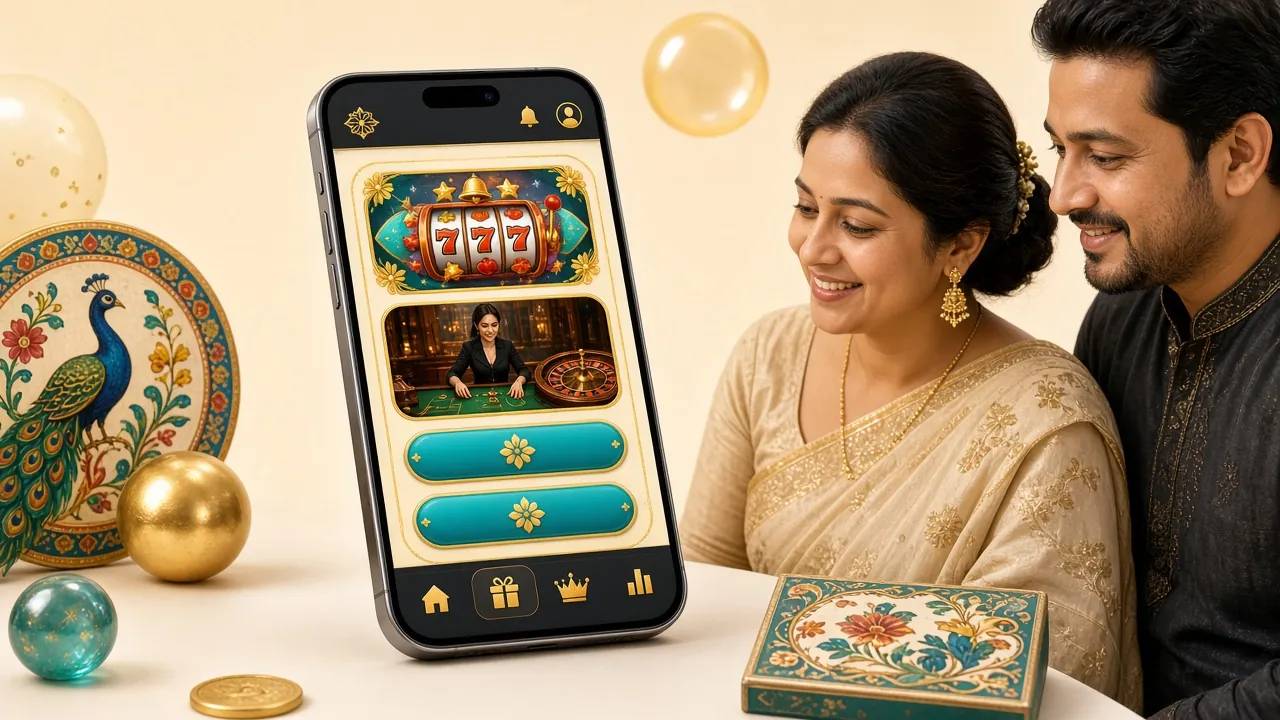
Slots that open without a second tab
Red Tiger, PG Soft, JILI and FA Chai titles sit in one list, sorted by studio instead of an endless scroll. Money Coming and Queen of Bounty start from ৳2 a spin.
Live tables with real dealers
Ezugi and Sexy Gaming run baccarat, roulette and card tables all day. Mini Baccarat opens at ৳5, and the stream drops to audio if your data runs thin.
Crash rounds and fishing arcades
Spribe's Crash Goal and Dragon Fishing 2 sit one tap from the lobby. Round history is visible before you bet, so you can read the pace first.
Cricket and football markets
Pre-match and in-play boards cover BPL, IPL and international fixtures, with 1X2 and over or under lines that move as the match does.
The cashier lives in the app
bKash, Nagad, Rocket, Upay and bank transfer all sit on one screen. Deposits show in about 1 minute, and withdrawals to bKash average around 35 minutes.
Account and KYC without a laptop
Photograph your NID, passport or driving licence from the phone. Review takes about 2 hours and has to clear before your first withdrawal leaves the account.

App or mobile browser on a slow connection
Both routes reach the same account, the same balance and the same markets. The difference is how much work your phone does each time you open a page, and that shows up most on a crowded network.
| What you are comparing | bd399 app | Mobile browser on bd399.one |
|---|---|---|
| Opening the lobby | Opens from memory in one tap | Loads images again on every visit |
| Data used per session | Light after the first launch | Roughly the full page each time |
| Staying signed in | Holds the session until you log out | Ends when the browser clears the tab |
| Live cricket board | Refreshes in the background | Updates only while the tab is in front |
| Withdrawal alert | Notification when it is processed | None, you check the balance page |
| Storage on the phone | 28 MB, plus later updates | Nothing installed |
| Keeping it current | Install the new APK over the old one | Always the live version |
| Best fit | Daily players on their own phone | A single bet on a borrowed device |
If you only log in once a week, the browser costs you nothing and never needs an update. If bd399 is open on your phone most evenings, the installed app saves the repeated loading and keeps the in-play board awake.
When the install will not finish
Most failed installs are one of five things, and none of them means the file is broken. Match the message on your screen to the row below before you download the APK a third time.
| What you see | Why it happens | What to do |
|---|---|---|
| "There was a problem parsing the package" | The file arrived incomplete, or the phone runs an Android version older than 6.0. | Delete the file, check Settings, About phone, then download bd399.apk again on a stable connection. On Android 5.x, use the mobile site instead. |
| Install blocked, with no continue option | Unknown sources are still off for the browser that downloaded the file. | Settings, Apps, Special access, Install unknown apps, enable it for that browser, then open the file again. |
| The Install button is greyed out | Free storage is too low for the unpack step, or a work profile is restricting installs. | Clear some space and retry. On a company-managed phone, install from the personal profile or keep using the browser. |
| The app opens, then closes | An older build is still installed, or leftover data from it is corrupted. | Uninstall the old bd399 app, restart the phone, install the current 28 MB file from this page, then sign in again. |
| The update will not install over the old version | The new file came from a different source, so the signature does not match. | Uninstall the old app first, then install bd399.apk from bd399.one. Your balance and account stay on the server, not on the phone. |
Still stuck after all five? Open 24/7 Live Chat with the phone model, the Android version and a photo of the error. Support can tell within a minute whether the file or the device is the problem.
Get the bd399 App on Your Phone
-
28 MB, opens in seconds Smaller than most apps, quick to install on any Android 6.0+ device. No store account needed.
-
Full lobby in one tap Slots, live dealer tables, crash rounds and cricket markets — all in the same screen you log into on bd399.one.
-
Holds up on a slow connection Game tiles and your last screen are cached locally. A 3G afternoon slows a spin, it does not end your session.
-
Same account, same balance Log in with your existing username. Deposits, bonus progress and KYC status are all there, nothing to re-register.
Free · No Play Store required · Updated 2026-11-11
Scan to download on your phone
Before you tap install: the usual questions
Is the bd399 APK safe to install?
Do I need a second account for the app?
Will it run on an older or cheaper Android phone?
How do I update the bd399 app later?
Why does the download stop at the last percent?
Can I bet on live cricket and take a cash-out from the app?
Is there an iOS version of the app?
The bd399 app is for adults only and for entertainment, not income. Set a deposit limit before your first session, keep the login on your own phone, and treat the ৳350 minimum as a limit rather than a target.
How to play within limits